
Car IdentifierSnap to identify any model
Unleash the power of AI to instantly identify any car—just snap a photo and discover its make, model, and specs in seconds!


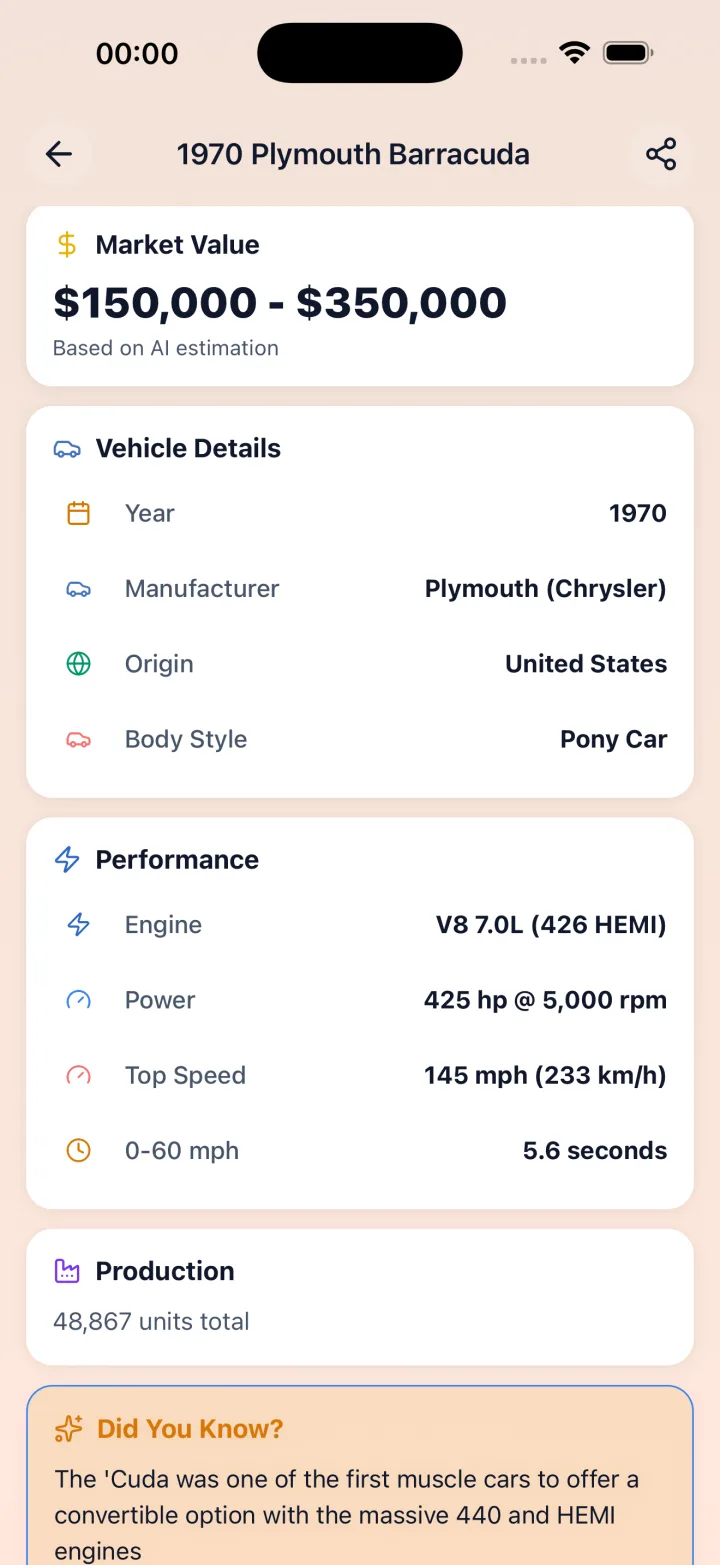
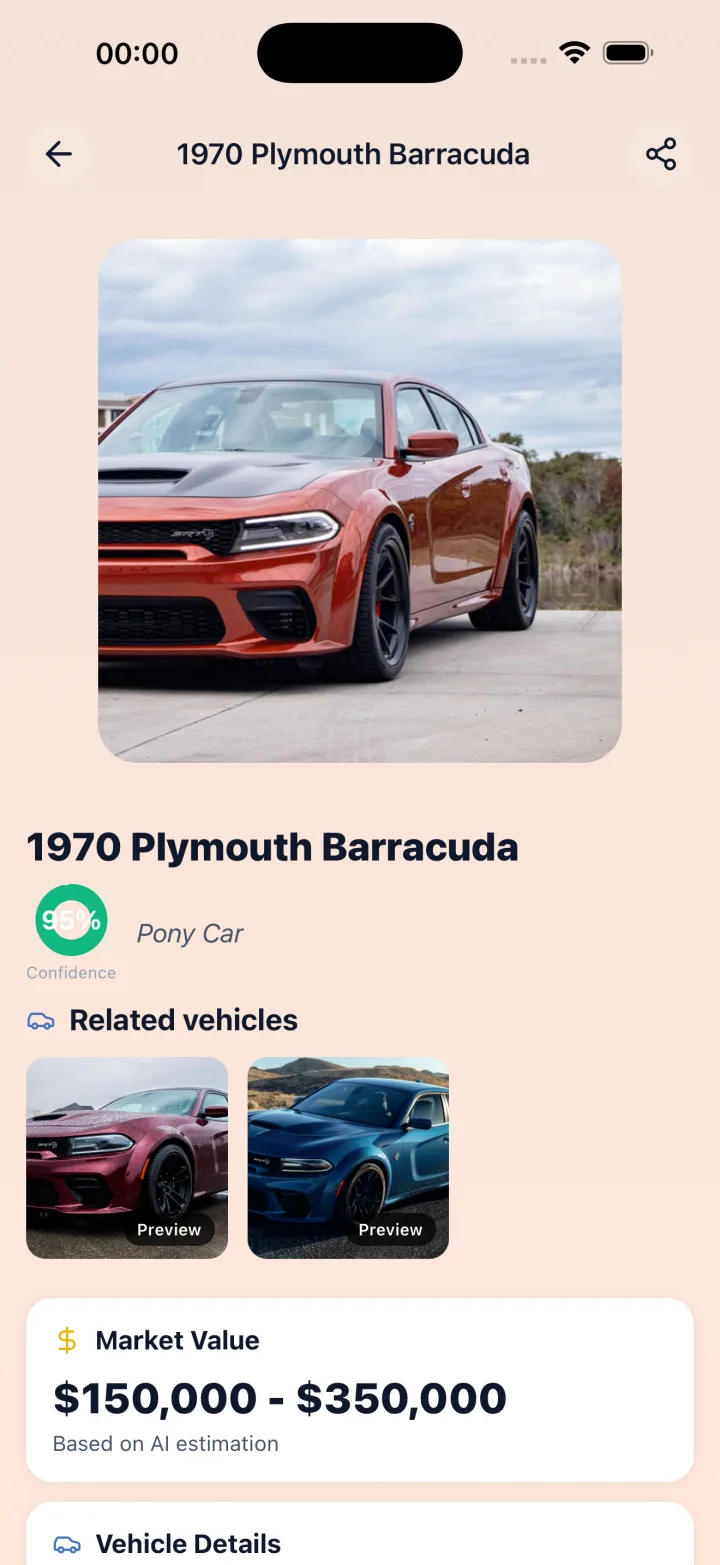
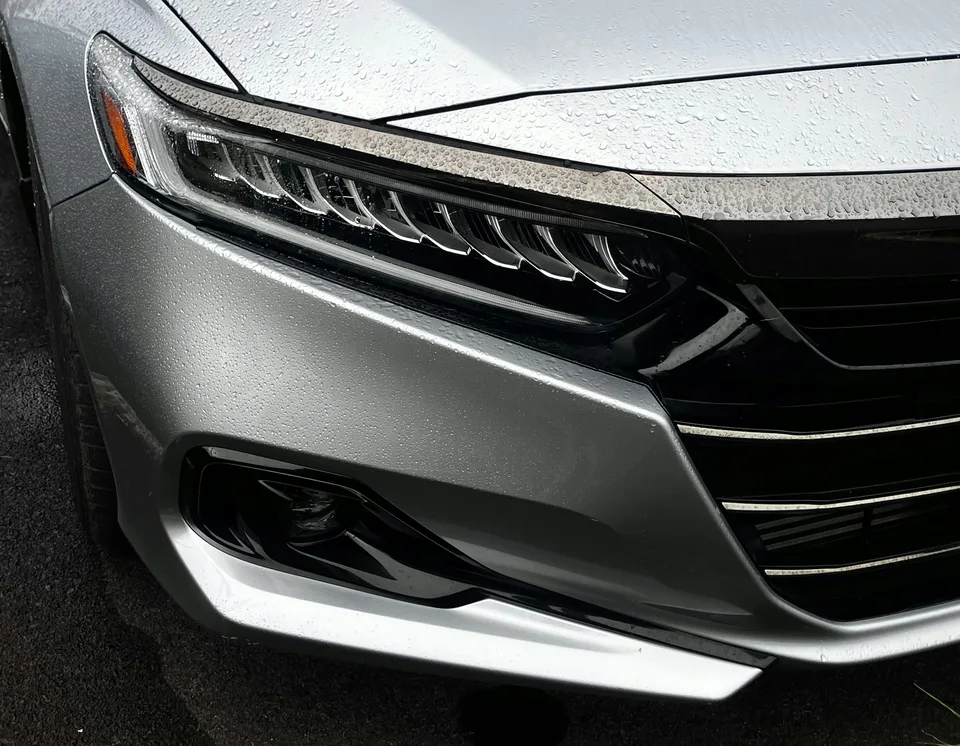
Instant Identification
Capture a photo of any car and get immediate details on its make, model, year, and specifications.
Identify my carAI-Powered Analysis
Our advanced algorithms analyze visual features like body style, grille design, and unique details for accurate identification.
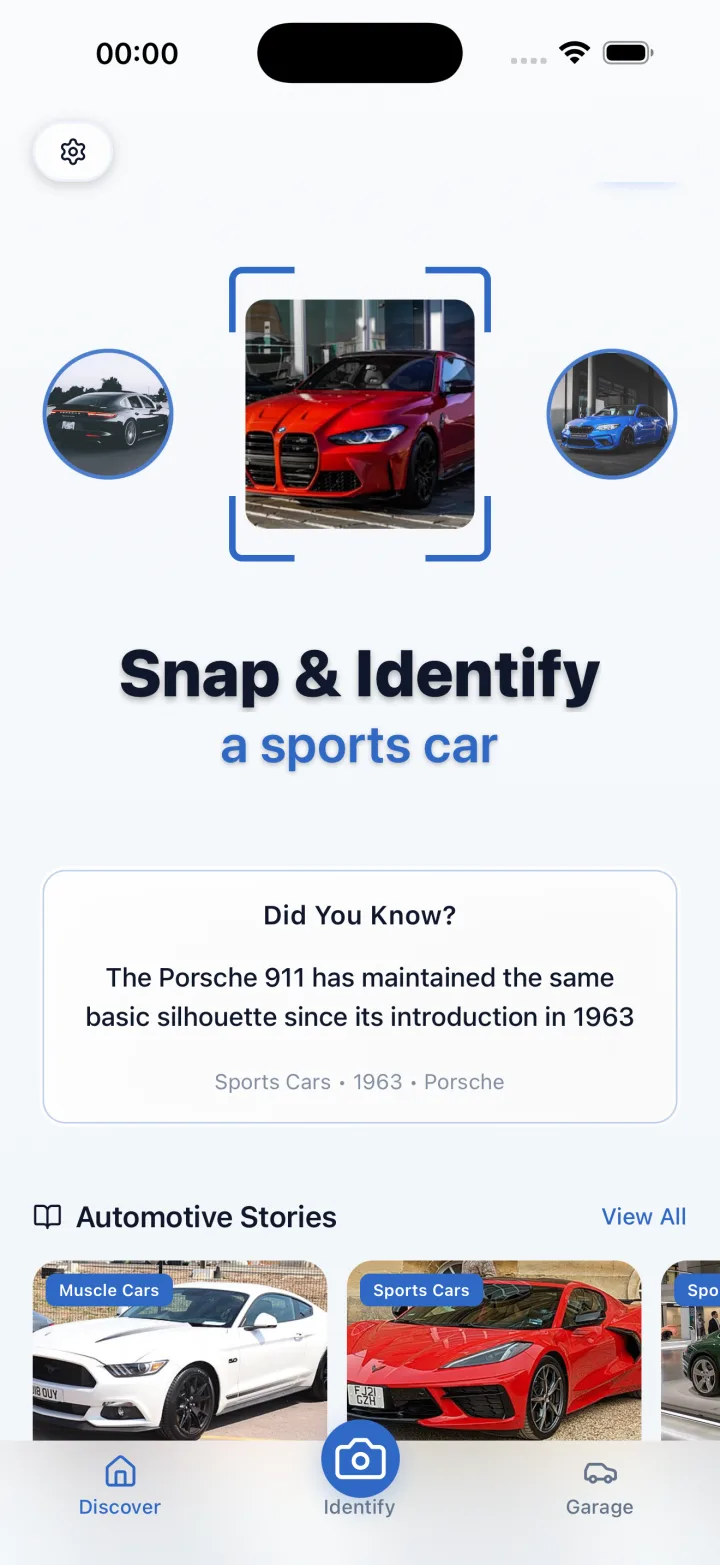

Personalized Garage Collection
Save identified vehicles in your personal garage, making it easy to track your favorites or potential purchases.
Save to my garagePhoto Library Access
Select existing photos from your library for identification, ensuring you never miss a chance to learn about that eye-catching vehicle you spotted.

How it works
Snap or Select Photo
Snap a photo or choose one from your library to submit for identification.
Analyze and Identify
The app analyzes visual features using AI and identifies the car's make, model, year, and specifications.
Save or Share
View detailed vehicle information and save it to your garage or share it with friends.
Questions
How do I identify a car from a photo?
Car Identifier offers instant identification by letting you capture a photo of a car and receive immediate details about its make, model, year, and specifications. The app also performs AI powered analysis of visual features such as body style, grille design, and distinctive elements to determine those details from the image.
Can I use photos I already have to identify vehicles?
Car Identifier lets you select existing photos from your device photo library for identification. You can choose images you previously captured and have the app extract details such as make, model, year, and specifications from those pictures using its image analysis features.
Can I save cars I identify for later reference?
Car Identifier includes a personalized garage collection feature that lets you save identified vehicles to your own collection. The garage stores identified entries and provides a place to keep track of favorites or potential purchases within the app for later reference.
Is the app easy to use and can I share what I find?
Car Identifier is designed with a user friendly interface for simplicity and efficiency so users can access identification tools with clear controls. It also offers sharing functionality that lets you share identified vehicles with friends and fellow car enthusiasts directly from the app.
Guides
- How safe is my car
- How to check a car's safety rating?
- How to check a car safety rating
- How to check the trim of my car
- How to decode a car VIN number
- How to decode car trim level codes
- How to find a vehicle's market value?
- How to find out what trim my car is
- How to Find the Trim Level of a Car
- How to know what trim my car is
- How to locate a car's manufacture date?
- How to read engine displacement values on cars
- Identify car from rear photo — blue sedan with spoiler and dual exhaust
- What do common car trim level codes mean?
- What trim is my car by VIN
Reference tables

Get instant car identification
Snap to identify any model: use AI to instantly identify make, model, year and specifications from a single photo, save vehicles to your personalized garage and share them.